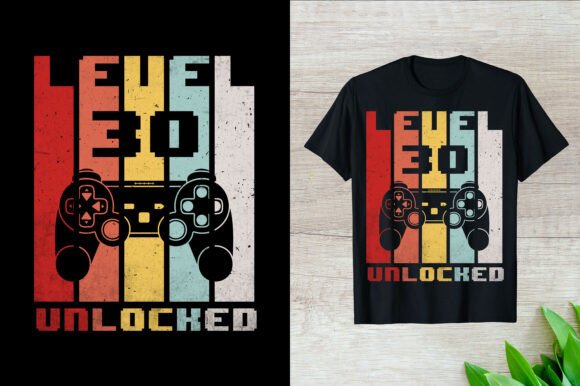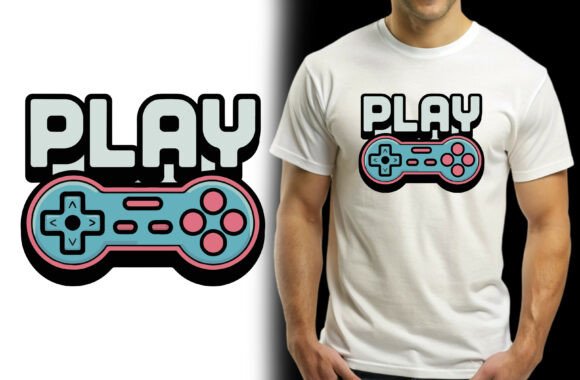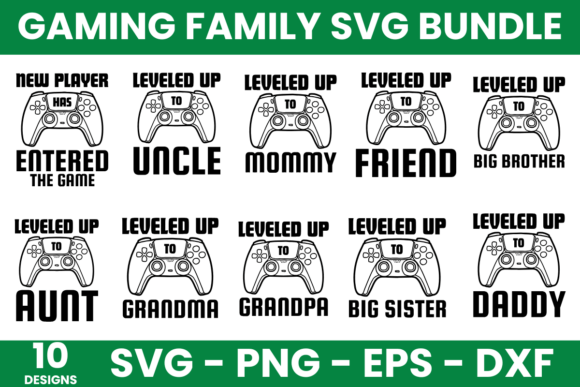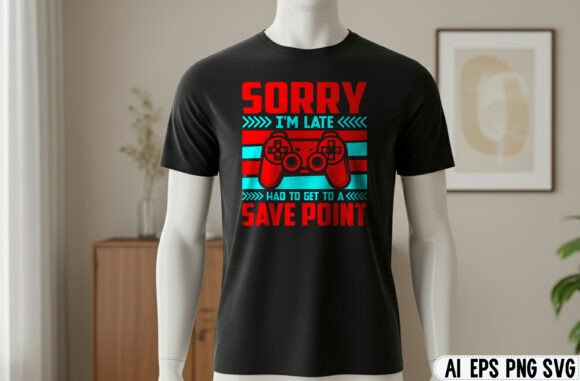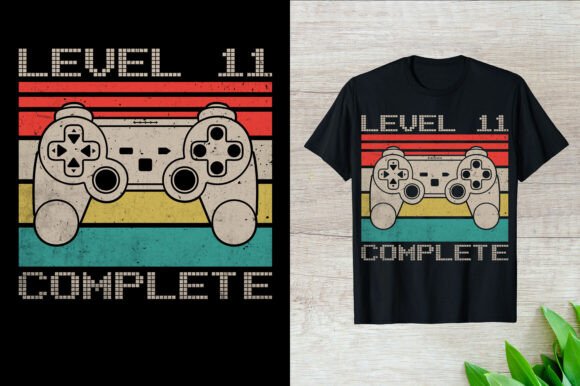
Level 11 Complete Gaming T-Shirt: A Print-Ready Design Bundle
If you create custom apparel, digital products, or print-on-demand merchandise, finding design files that actually work across multiple formats can save hours of frustration. The Level 11 Complete Gaming T-Shirt design bundle offers a versatile set of files specifically built for gaming-themed products. Whether you are selling T-shirts, mugs, pillows, or other print items, this bundle aims to simplify your workflow while maintaining professional quality across different applications.
What the Level 11 Complete Gaming T-Shirt Bundle Includes
This bundle delivers ready-to-use files built around a gaming silhouette and graphic theme. You receive an AI file (Adobe Illustrator) for vector editing, an EPS file for compatibility with most design software, and a PNG file with a transparent background. The artboard measures 4500 by 5400 pixels, giving you enough resolution for large prints without sacrificing sharpness.
The design style emphasizes gaming life, fitness stages, and types of gaming activities. That makes it suitable not only for casual gamers but also for fitness enthusiasts who see gaming as part of an active lifestyle. The silhouette approach works well for both dark and light garments, and the vector format lets you scale, recolor, or combine elements without losing quality.
Who Benefits Most from This Design Bundle
Print-on-demand sellers, small business owners, and creators who need to produce multiple product variants will find this bundle particularly useful. If you run a store on platforms like Etsy, Redbubble, or Amazon Merch, having a single design that works on shirts, mugs, pillows, and phone cases reduces the time spent adapting artwork for each product type.
Marketers and bloggers covering gaming culture can also use these files for social media graphics, event promotions, or branded giveaways. The PNG version with transparency integrates easily into mockups, flyers, or web graphics without requiring advanced editing skills.
Freelancers and graphic designers who serve gaming-related clients will appreciate having a ready-to-customize vector file. You can quickly tweak colors, adjust the silhouette, or combine elements with other assets to create unique variations for different clients or campaigns.
Practical Benefits Across Product Types
The bundle's real value lies in how it adapts to different products without requiring extensive rework. Here are specific ways you might use the files:
T-Shirts and Apparel
The 4500x5400 pixel artboard gives you enough resolution for front-and-center prints, pocket-sized designs, or full-back layouts. The gaming silhouette works well with screen printing, direct-to-garment (DTG), and heat transfer methods. If you offer both fitted and loose-fit shirts, you can scale the vector file to maintain proportion across sizes.
Mugs and Drinkware
For cylindrical products, the PNG file with a transparent background makes wrapping easy. You can extract the silhouette element to create a simple, clean mug design or use the full graphic on larger surfaces like tumblers. The high resolution prevents pixelation when printing on curved surfaces.
Pillows and Home Decor
The vector format allows you to repeat elements for throw pillows or blankets. You might take the silhouette and create a pattern that covers the entire fabric. Because the files are scalable, you can produce both small accent pillows and large floor cushions from the same design base.
Cut Files and Vinyl Projects
The SVG cutting files (included in the bundle) make it straightforward to cut heat-transfer vinyl for iron-on projects. This is especially helpful if you create custom gear for gaming events, tournaments, or personal use. The silhouette style works beautifully on caps, bags, and denim jackets where one-color vinyl applications look clean and professional.
Understanding File Formats and Their Uses
Not all file formats serve the same purpose. Here is a quick overview of what each format in this bundle does well:
- AI file: Best for full editing in Adobe Illustrator. You can adjust every anchor point, change colors globally, and save versions for different products.
- EPS file: Opens in most vector-based programs including CorelDraw, Affinity Designer, and older versions of Illustrator. Good for cross-platform collaboration.
- PNG file: Ready-to-use raster image with transparency. Works immediately in mockups, web banners, and simple print jobs without needing specialized software.
- SVG cutting files: Designed for Cricut, Silhouette, and similar cutting machines. Great for hobbyists who make their own accessories or small-batch products.
Having multiple formats means you can start with whatever tool you already use, without being forced to learn new software just to adapt the design.
Sublimation and Specialty Printing Considerations
If you work with sublimation printing, this bundle fits well into your existing workflow. The vector files allow you to mirror designs for sublimation transfer, adjust color profiles for different substrates, and scale the artwork to fit products from mouse pads to blankets.
The gaming theme has particular appeal for sublimation because the high-contrast silhouettes hold up well on both light and dark substrates when using appropriate transfer methods. For white or light-colored polyester blanks, the PNG file works directly. For dark fabrics, you can use the vector format to create a white underbase layer before applying the design.
One practical observation: the bundle's artboard size appears optimized for standard T-shirt templates. If you plan to use it on large banners or billboards, you will need to upscale the vector files. That is straightforward with vector formats but worth noting for ambitious projects.
Limitations to Keep in Mind
While this bundle covers many use cases, it has boundaries worth understanding before purchasing. The design is gaming-themed, so if your audience skews away from gaming culture, the silhouette may not resonate. Similarly, the fitness stages concept includes multiple figures in different poses. Some users may want a single, simpler silhouette instead of a multi-figure composition.
For those running large-scale print operations with strict color management, you should test the files against your specific printing setup. Vector files generally preserve colors well, but final output depends on your printer profile, substrate, and ink system.
If you need a design that speaks to a very specific subculture within gaming—retro gaming, esports, or speedrunning—you might want to customize the vector file to add licenses, logos, or text. The silhouette provides a strong base, but it does not include branded elements that might appeal to fans of particular game franchises.
How This Bundle Supports Entrepreneurial Goals
For small business owners, time is often the scarcest resource. Having a design bundle that spans file types and product categories reduces the back-and-forth between design tools and production platforms. Instead of redrawing a graphic for each product type, you export the format you need from the same source file.
Creators who sell on multiple marketplaces will also benefit from the consistency this bundle offers. Your T-shirt design on Redbubble can match your mug design on Zazzle and your pillow design on Society6, all derived from the same vector core. This creates a cohesive brand presence that customers recognize across platforms.
Hobbyists who make items for local gaming events or friendly tournaments can use the SVG cutting files to produce one-off items without committing to large print runs. The flexibility of having both high-resolution print files and cut-ready formats means you can test a design with a few hand-made items before investing in bulk production.
Practical Recommendations for Getting the Most Out of This Bundle
After unpacking the files, take a few minutes to organize them by format and product type. Create separate folders for apparel, home decor, and digital use. If you use printing partners like Printful or Printify, check their specific file requirements—some require PNG files at exact dimensions, while others prefer PDF or EPS.
If you plan to offer multiple color variants of the same design, open the AI or EPS file and experiment with different color palettes. Gaming silhouettes often look strong in neon accents against black backgrounds, but they can also work in matte pastels for a softer aesthetic. Keep a few variants saved so you can match seasonal trends or customer preferences.
For sublimation sellers, consider building a small test set with different substrates—one polyester shirt, one ceramic mug, one neoprene mouse pad. See how the design holds up in terms of color saturation, detail retention, and edge sharpness before listing the product publicly. The vector format should reproduce accurately, but each substrate has its own behavior.
Finally, bundle this design with other gaming-themed assets you already have. The vector format makes it easy to composite with text, additional graphics, or patterns. A consistent visual language across your product catalog helps customers identify your brand quickly, even in crowded marketplaces.