Gaming Controller Burst Paint Tumbler: What to Know Before You Download and Sublimate
You have seen the concept on social media—a sleek 20oz tumbler wrapped in an explosion of neon color with a gaming controller at the center. The Gaming Controller Burst Paint Tumbler design has become a standout choice for creators who want to merge retro gaming culture with bold, street-art aesthetics. Whether you are a small business owner looking to expand your product lineup or a hobbyist making personalized gifts, this digital PNG file offers a ready-to-use wrap for sublimation printing. But before you hit download and fire up your heat press, there are several practical details that can make the difference between a professional result and a disappointing print. Understanding what this product actually is—and what it is not—will save you time, material, and frustration.
What Exactly Is a Gaming Controller Burst Paint Tumbler Wrap?
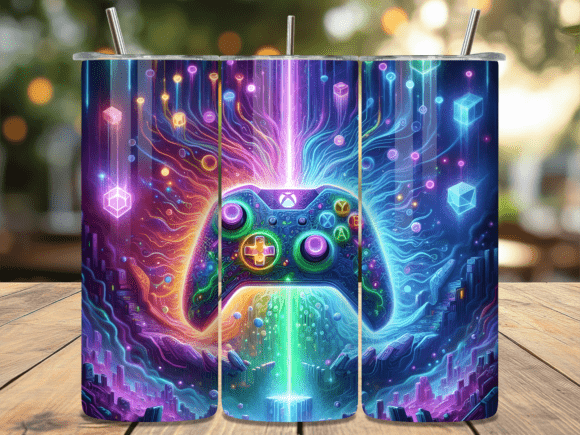
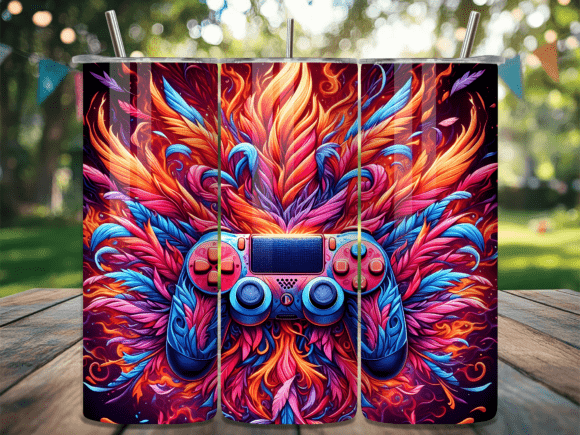
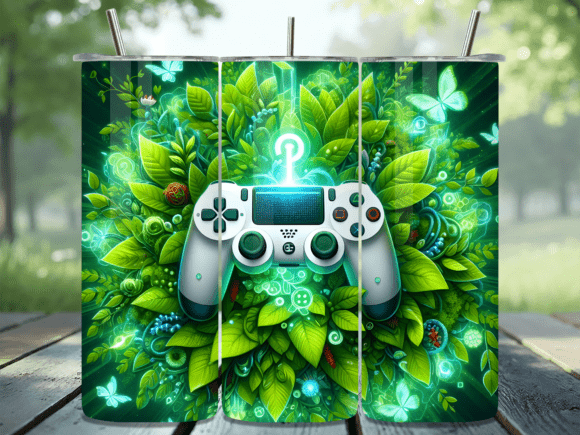
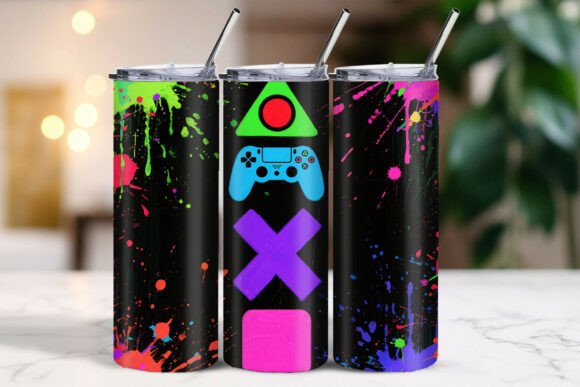
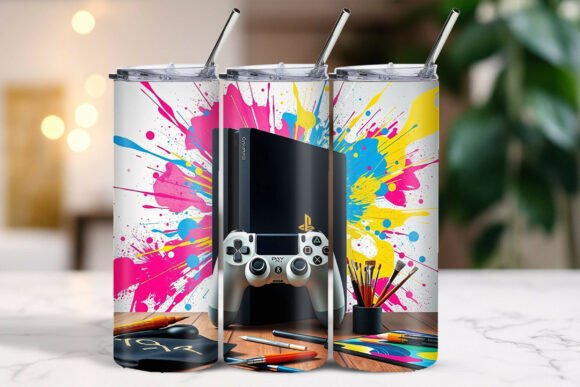
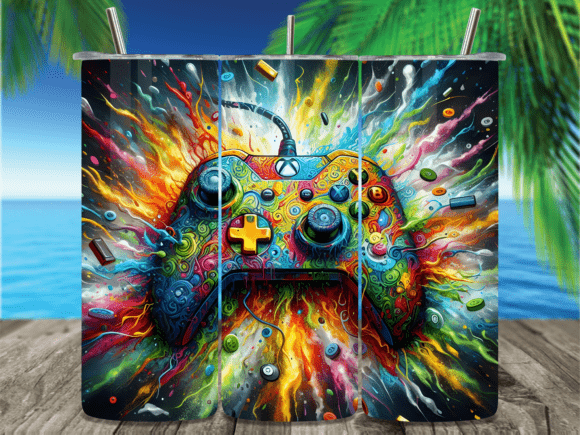
This is a digital PNG download—no physical tumbler or printed wrap will be shipped to you. You receive two high-resolution files: one straight design and one tapered design, both sized at 9.3 × 8.2 inches (2790 × 2460 pixels) at 300 DPI. The straight version is intended for standard cylindrical tumblers, while the tapered variant accounts for the slight curve found in many 20oz tumblers. The artwork itself features a gaming controller surrounded by a burst paint effect, giving the finished tumbler a vibrant, graffiti-inspired look that appeals to gamers, esports fans, and anyone who appreciates bold color schemes.
The file is optimized for sublimation printing. That means you will need a sublimation printer, sublimation paper, heat-resistant tape, and a heat press or convection oven to transfer the design onto a polymer-coated tumbler. The digital format gives you unlimited print runs once you own the file, which is why many small businesses find this type of product attractive. You can produce one tumbler for a friend or fifty for a craft fair using the same PNG.
Common Mistakes People Make with Digital Tumbler Wraps
Many buyers assume that purchasing a digital design guarantees a perfect print on the first attempt. That assumption leads to wasted blanks, wasted ink, and a lot of head-scratching. Let me walk through the most frequent pitfalls and how to sidestep them.
Choosing the Wrong File for Your Tumbler Shape
The Gaming Controller Burst Paint Tumbler download includes both a straight and a tapered design. Ignoring this distinction is the number one cause of alignment problems. If you apply the straight design to a tumbler that narrows at the bottom, the artwork will appear distorted—the controller might look stretched or the burst paint effect will not line up properly around the circumference. Conversely, using the tapered design on a perfectly cylindrical tumbler can leave gaps or cause the wrap to overlap awkwardly.
Before printing, measure your tumbler. A typical 20oz straight-sided tumbler (like the popular skinny style) works best with the straight file. A classic tapered 20oz tumbler, which is wider at the top and narrower at the bottom, requires the tapered file. Hold the printed sublimation paper around the tumbler before pressing to confirm the fit. A few seconds of dry-fitting can prevent a ruined blank.
Ignoring Resolution and Print Settings
The files are provided at 300 DPI, which is the industry standard for sublimation. Yet some users inadvertently reduce the resolution when resizing or use a basic print setting that drops the quality. Always print at 100% scale with no scaling enabled in your printer dialog. If your software asks whether you want to let the printer manage colors or let the application manage colors, choose application-managed color and select the ICC profile for your specific sublimation paper and ink combination. This preserves the burst paint colors exactly as they appear on screen.
A common workaround is to open the PNG in a program like Photoshop, Affinity Photo, or even the free GIMP, check that the document size remains 9.3 × 8.2 inches at 300 DPI, and print from there. Avoid using web browsers or generic image viewers for printing—they often apply hidden compression or scaling that degrades the fine details of the controller artwork and the paint splatter texture.
Misunderstanding the Commercial Use Terms
The product description clearly states that you may use these files on physical products for commercial purposes—tumblers, t-shirts, stickers, and similar items. However, you may not resell, share, or distribute the digital files themselves. This is a standard license for digital sublimation designs, but confusion still arises. Some buyers think they can sell the PNG file on their own Etsy shop or share it with a crafting group. Doing so violates the terms and can lead to your listings being taken down or your account suspended.
If you are a small business owner planning to sell finished tumblers, you are fully within your rights. If you are a hobbyist making gifts, you may give away the physical tumblers but not the digital file. Keep the PNG stored securely on your own device or cloud storage. When you buy a design like this, you are purchasing a license to create physical products, not ownership of the digital artwork.
Practical Advice for a Professional Finish
Getting the print onto the tumbler is where the magic happens, and it is also where most errors occur. Here are steps that experienced sublimators follow to ensure the Gaming Controller Burst Paint Tumbler design looks its best.
Prepare Your Tumbler Blank Properly
A polymer-coated tumbler must be clean and free of fingerprints or dust. Wipe it down with isopropyl alcohol and let it dry completely. Even a small smudge can create a white spot in the burst paint area, ruining the continuous color transition. Wear lint-free gloves when handling the blank after cleaning.
Use Heat-Resistant Tape Strategically
Sublimation paper shifts slightly when heated. Use a tape that can withstand 400°F without leaving residue. Tape the paper along the top and bottom edges and add strips along the seam where the two edges of the paper meet. For the tapered design, the paper will naturally want to lift at the narrower bottom, so extra tape there is essential. Many beginners tape only the top and wonder why the bottom portion ghosted or smeared.
Control Your Time and Temperature
Every heat press or oven is different, but a good starting point for a 20oz tumbler is 400°F for 60 to 90 seconds. The burst paint effect relies on vibrant saturation—under-pressing will leave the colors faded, while over-pressing can cause the black lines of the controller to blur. Perform a test print on a spare blank or even a scrap piece of coated metal if you have one. Keep a log of the temperature, time, and pressure settings that give you the best result, and stick with those numbers for future runs.
Let the Tumbler Cool Before Handling
Once the press cycle completes, remove the tumbler carefully (it will be extremely hot) and place it on a heat-resistant surface. Allow it to cool for at least five minutes before peeling the paper. Peeling while the sublimation ink is still migrating can cause color bleeding, especially in the burst paint areas where multiple bright hues meet. A patient cool-down gives you crisp lines and clean transitions.
What to Look for Before You Buy
Not all digital tumbler wraps are created equal. When you evaluate a design like the Gaming Controller Burst Paint Tumbler, check a few details before completing your purchase.
- Resolution and size: Confirm that the PNG Genuinely meets 300 DPI at the stated dimensions. If a shop lists a file at 72 DPI scaled up to 9 × 8 inches, the print will appear pixelated. The specifications here—2790 × 2460 pixels at 300 DPI—are appropriate for sublimation.
- Tapered vs straight: Ensure the shop provides both versions or clearly states which one you are getting. A single file labeled "universal" often fits neither shape well.
- License clarity: Read the usage terms before purchasing. If the terms restrict commercial use entirely, you cannot sell finished products. If they allow unlimited commercial use, you are free to produce as many tumblers as you like.
- Sample images: Look for mockups that show the wrap on an actual tumbler, not just a flat digital rendering. Realistic mockups help you see how the burst paint effect flows around the curved surface.
Why This Design Works for Multiple Audiences
The gaming controller motif has broad appeal. Gamers recognize the familiar button layout and grip shape, while the burst paint style adds an artistic, streetwear edge that attracts customers who might not identify as hardcore gamers. For small business owners, this design fits into trending niches—esports merchandise, gaming-themed gifts, and custom drinkware for conventions or LAN parties. Hobbyists can create matching sets: a tumbler for a friend's birthday, a matching t-shirt using the same file, and a sticker for a laptop.
Because the file is a digital download, you can print it repeatedly without additional cost. That makes it economical for one-off custom orders as well as bulk production. The instant delivery means you can start your project within minutes of purchase—no waiting for shipping, no inventory to store.
Avoiding the Disappointment of a Bad First Print
If you are new to sublimation, your first attempt with any new design may not be perfect. That is normal. The mistake is to blame the file or the supplier instead of examining your process. Check your printer settings first—are you printing at the right resolution and with the correct color profile? Then check your heat press—is the temperature accurate, and is the pressure even across the tumbler? Finally, check your blank—is it a genuine sublimation-ready coating, or is it a standard powder-coated tumbler that will not accept the ink?
Once you have ruled out those variables, try the Gaming Controller Burst Paint Tumbler design again with adjustments. Small changes in time or pressure often resolve color saturation issues. The burst paint effect thrives on accurate heat and even pressure because the multiple colors need consistent energy to sublimate fully.
Getting the Most from Your Digital Purchase
Owning the PNG file means you can repurpose the artwork beyond tumblers. The design works well on t-shirts, mouse pads, phone cases, and even snowboard skins if you have the right sublimation equipment. Keep the file organized in a folder with your other digital designs, and consider backing it up to a cloud service. Since you cannot redownload from the shop indefinitely (policies vary), saving the file yourself ensures you have it for future projects.
If you sell finished products, take clear photographs of the tumbler in natural light showing the burst paint effect from multiple angles. Customers appreciate seeing how the colors wrap around the surface and how the controller design sits relative to the seam. Showing the tapered fit versus a straight version can help your own customers choose the right tumbler style when they order from you.
Final Thoughts Before You Download
The Gaming Controller Burst Paint Tumbler design is a versatile, high-quality digital product that can serve both personal and commercial projects. Its success depends less on the file itself and more on how you prepare, print, and press it. Pay attention to the shape of your tumbler, the resolution of your print settings, the cleanliness of your blank, and the accuracy of your heat press. Avoid the common mistakes of using the wrong file version, overlooking the license terms, or rushing the cooling process. With careful technique, you will produce tumblers that look as vibrant and professional as the digital preview promised.