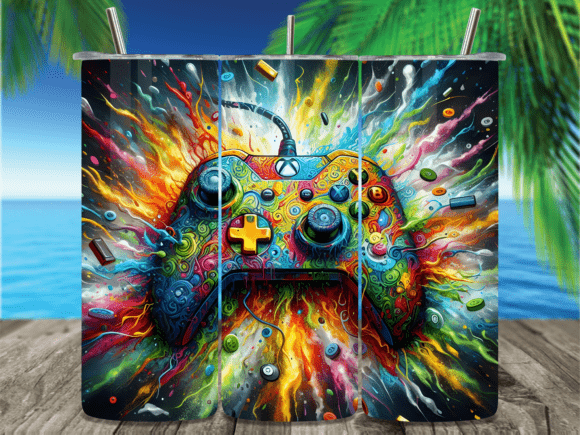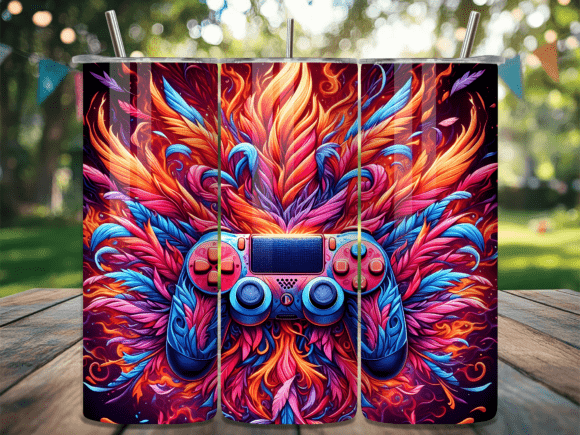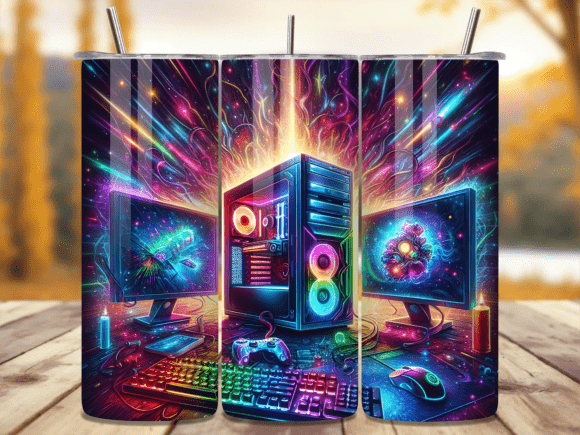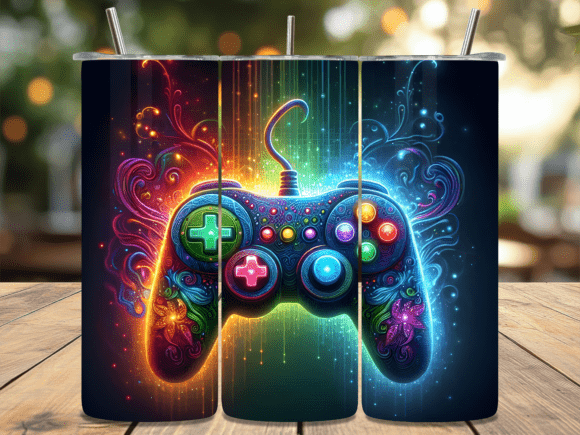
Glow Gaming Controller Tumbler Wrap PNG: What You Need to Know Before You Buy or Apply
If you’re looking to create a custom tumbler that stands out, the Glow Gaming Controller Tumbler Wrap PNG offers a unique design perfect for gamers, streamers, or anyone who loves vibrant, light-reactive artwork. This digital file is specifically made for 20 oz skinny tumblers, comes in both straight and tapered versions, and is delivered as a high-resolution 300 dpi PNG. While the product itself is straightforward, many buyers and first-time sublimation users run into preventable issues that affect the final look, fit, or ease of use. Understanding these common mistakes will save you time, frustration, and wasted materials.
Not Checking the File Type and Format
The Glow Gaming Controller Tumbler Wrap PNG is delivered as a PNG file, not as a layered editable format like PSD or Ai. Some users expect to easily modify colors or elements, but a PNG is a flat raster image. If you plan to personalize names or add custom details, you may need graphic software that supports transparency and layering. A common mistake is trying to open a PNG in a basic photo viewer and then attempting to resize it awkwardly in a word processor. Instead, use a program like Photoshop, GIMP, or Canva Pro to ensure the file stays crisp and the dimensions are respected.
Another oversight is assuming all PNGs are the same quality. This wrap is 300 dpi, which is essential for sublimation printing. Using a lower-resolution file will result in a blurry or pixelated transfer, especially on a curved tumbler surface. Always verify the dpi before purchasing—many free or cheap wraps are 72 or 150 dpi and look terrible after pressing. The Glow Gaming Controller Tumbler Wrap PNG provides professional-grade resolution, so you can trust it for a clean, bright finish.
Misunderstanding Straight vs. Tapered Versions
This listing includes two PNG files: one for straight tumblers and one for tapered tumblers. Beginners often pick the wrong file or assume one size fits all. A 20 oz skinny tumbler typically has a slightly narrower top and wider bottom, but not all tumblers are identical. The straight version is designed for cylindrical tumblers with uniform width, while the tapered version accounts for the gentle slope of a standard skinny tumbler. Using the straight wrap on a tapered tumbler will leave gaps or cause the design to distort near the top.
To avoid this, measure your tumbler’s top and bottom circumference before printing. If you’re unsure, print both test wraps on regular paper, cut them out, and wrap them around the tumbler dry. The tapered version should line up evenly with the lip and bottom edge. This quick test takes minutes and prevents wasting sublimation paper and ink. Many crafters skip this step and then wonder why their beautiful gaming controller glow effect looks stretched.
Overlooking the Exact Dimensions
The file dimensions are listed as 9.3″ x 8.2″. That is not a universal wrap size for all 20 oz tumblers. Some tumblers are taller or have a different taper ratio. If you blindly print at that size without checking your specific tumbler brand, the design may be too short or too tall. A wrap that doesn’t cover the full height leaves an unfinished look, especially if the glow effect is cut off at the top or bottom.
Always compare these dimensions with the actual height of your tumbler. For a typical 20 oz skinny tumbler (like the popular tapered style), 8.2 inches is about right for height, but the circumference is the key. The width of the file (9.3 inches) should cover the full circumference with a small overlap. If your tumbler is slightly wider or narrower, you may need to resize the PNG proportionally in your printing software. Stretching or squishing the design will ruin the perspective of the controller graphic and make the glow elements look unnatural.
Ignoring the Glow Effect Requirements
The “glow” in Glow Gaming Controller Tumbler Wrap PNG implies that part of the design will react to light or appear luminous. This effect is typically achieved through sublimation inks that are fluorescent or through a glow-in-the-dark powder added to the sublimation coating. A common mistake is assuming the glow works automatically after pressing. In reality, the glow depends on the sublimation paper, ink, and coating you use. Standard sublimation inks are translucent; you need neon or phosphorescent specialty inks to get that active glow.
Also, some buyers think the glow is purely digital—visible only on screen—and are disappointed when the printed tumbler looks flat under normal light. To avoid this, read the product description carefully. If the seller markets it as a glow design, they often mean the color palette includes bright, electric tones that simulate a glow effect. But if you want true glow-in-the-dark functionality, you must pair the wrap with appropriate supplies. Test a small sample on a practice tumbler first.
Rushing Through Sublimation Settings
Even with a perfect PNG file, the final result depends on your press. The Glow Gaming Controller Tumbler Wrap PNG is designed for sublimation, which requires heat, pressure, and time. Many beginners press at too high a temperature or too short a time, causing the colors to bleed or the design to become faint. Since this wrap has detailed controller buttons and a gradient glow, any misstep will muddy those details.
For a 20 oz skinny tumbler, a typical setting is 375°F for about 60–90 seconds with medium pressure. But every press is different. If your glow effect looks dull after pressing, you may have under-pressed or used a low-quality sublimation paper. Some users try to fix it by pressing again, but this can cause ghosting or double images. Instead, always perform a test press with a small piece of the same paper and ink on a scrap tumbler or piece of polyester fabric. Document your time, temperature, and pressure so you can replicate success.
Neglecting Tumbler Preparation
The wrap PNG is ready to press, but the tumbler itself must be clean and coated. Some people forget that sublimation only works on polyester or polymer-coated surfaces. If you attempt to press the Glow Gaming Controller design onto a plain stainless steel tumbler without a coating, the ink will not bond, and the image will wipe off easily. Even if the tumbler is coated, oils from your hands can repel the ink, leaving faint patches.
Before applying, wash the tumbler with rubbing alcohol and let it dry completely. Handle it with gloves or a lint-free cloth. Also, ensure your heat tape is placed carefully to avoid shifting. The controller graphic has symmetrical elements; shifting even a millimeter will make the design look off-center. Many crafters tape the wrap in place and then check alignment from multiple angles before pressing.
Forgetting the Digital Download Limitations
This product is an instant digital download—no physical item is shipped. That means you are responsible for printing it correctly. A common misunderstanding is that the PNG file itself is “printable” in the sense that you can send it to a local print shop and get a sticker. For sublimation, you need a special printer (or a converted inkjet with sublimation ink) and sublimation paper. If you don’t have a sublimation setup, the file is still valuable: you can hand it off to a print-on-demand service or a friend with a sublimation printer.
To avoid buying something you cannot use, evaluate your equipment first. If you own a standard inkjet, you cannot produce a sublimation transfer unless you refill with sublimation ink and use the right paper. Alternatively, you can use the PNG for other crafts like printable vinyl sticker sheets (though the adhesive and durability will differ). The Glow Gaming Controller design is optimized for sublimation, but knowing your limitations beforehand saves disappointment.
Underestimating the Value of Two Versions
The listing gives you both a straight and tapered PNG. Some buyers think they only need one and delete or ignore the other. Later, if they purchase a different brand of tumblers, they might need the other version. Or they might later want to offer both styles in their Etsy shop. Keep both files saved in a dedicated folder. I recommend renaming them clearly (e.g., “Glow-Gaming-Straight” and “Glow-Gaming-Tapered”) and noting the dimensions. Future you will appreciate not having to search through downloads or re-buy the design.
Another overlooked detail is that the tapered version often has slight distortion correction built in. The design is mapped to look correct when wrapped around a cone-like shape. If you later scale it up or down, that correction can become inaccurate. Always work from the original file without heavy resizing unless you test the proportions.
Not Planning the Placement of the Controller
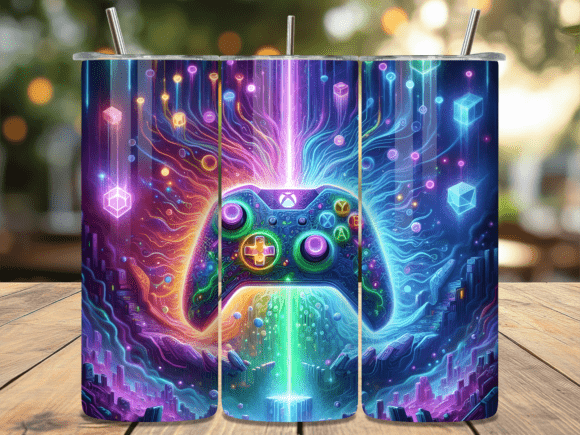
The center of the wrap is likely where the gaming controller and its glow effect are featured. When you wrap it around a rounded surface, the center of the design should align with the front of the tumbler. A common mistake is centering the graphic on the printed sheet without considering that the seam will be at the back. The resulting tumbler may have the controller sitting off to one side, which looks unprofessional. Mark the front of your tumbler with a tiny piece of tape before positioning the wrap. Then align the main visual element directly over that mark. For this design, also check that any text or icons are not split across the seam.
Skipping the Protective Layer
Sublimation on a tumbler often requires a protective wrap or sleeve during pressing to apply even pressure and prevent the ink from bleeding onto your press. Some people try to press the Glow Gaming Controller wrap without a silicone sleeve or butcher paper, resulting in ghosting or uneven heat distribution. The ghosting is especially visible around the glow elements because they are already bright and any extra ink will look like a halo. Always use a tumbler sleeve or at least wrap the tumbler tightly in heat-resistant tape.
If you’re using a mug press, ensure it’s designed for a 20 oz skinny tumbler—some presses are too wide or too narrow. A poor fit leads to uneven sublimation and a faded design. Measure your tumbler’s diameter and compare it to your press’s specifications. For this specific controller wrap, you want the entire graphic area to receive uniform heat transfer.
Practical Steps Before Your First Press
To get the best results from your Glow Gaming Controller Tumbler Wrap PNG, start by reading all listing details. Confirm you have the correct tumbler size (20 oz skinny, either straight or tapered). Open the PNG file in a program that respects 300 dpi (do not use a browser or basic image viewer that might downsample). Print a paper test to check fit. If everything matches, load sublimation paper, set your press to recommended temperatures, and do a quick sample on a test surface. Once you’re satisfied, proceed with your final tumbler.
Remember that digital wraps like this one offer huge creative potential without the need to design from scratch. By avoiding these common pitfalls—file ignorance, size mistakes, press errors, and preparation shortcuts—you’ll produce a tumbler that genuinely glows (in every sense) and looks professionally made. Whether you’re a hobbyist making gifts or a small business owner adding to your product line, taking the time to get it right the first time is worth every second.