Gaming Tumbler Wrap Design: The Ultimate Guide to 20oz Skinny Sublimation Wraps
If you’ve ever browsed online marketplaces for custom drinkware, you’ve likely stumbled upon the term gaming tumbler wrap. These vibrant, full-wrap designs have taken the sublimation crafting world by storm, offering a creative way to personalize tumblers for gamers, streamers, and esports enthusiasts. Whether you’re a seasoned sublimation artist or a complete beginner looking to start a new hobby, understanding how to work with a 20oz skinny tumbler wrap PNG is essential. This guide will walk you through everything you need to know—from file types and sizing to sublimation techniques and common mistakes to avoid.
What Is a Gaming Tumbler Wrap?
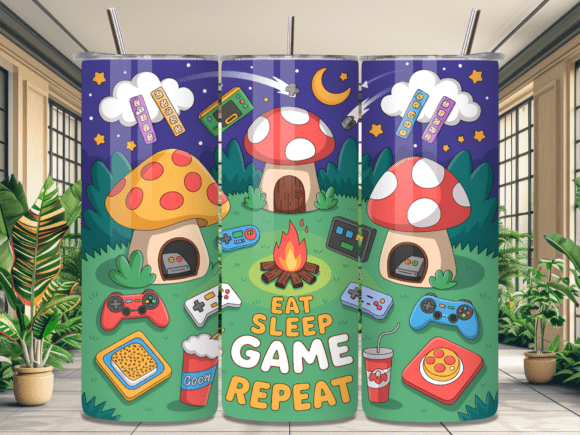
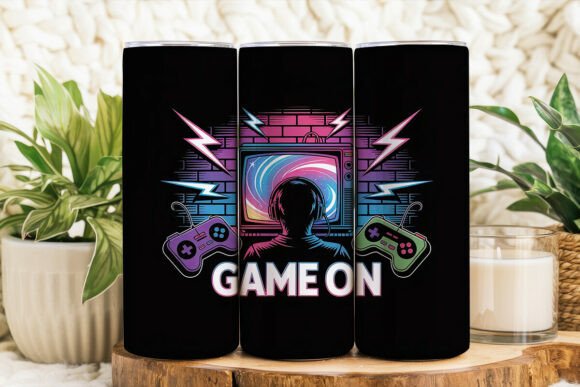
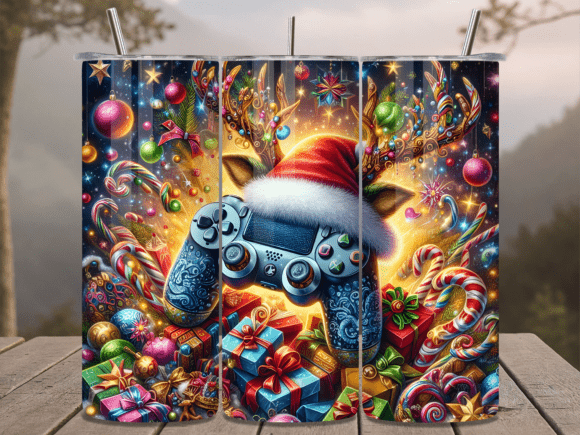
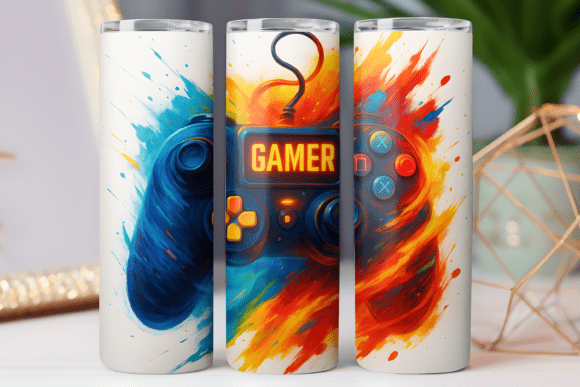
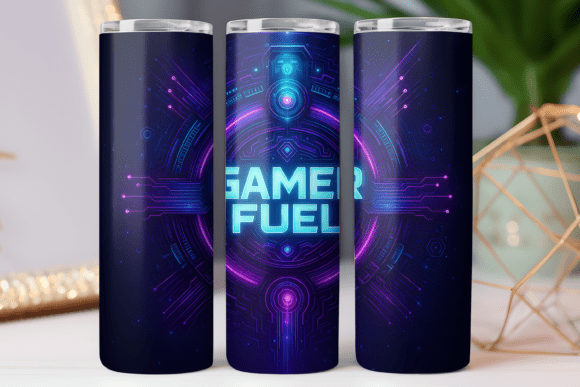
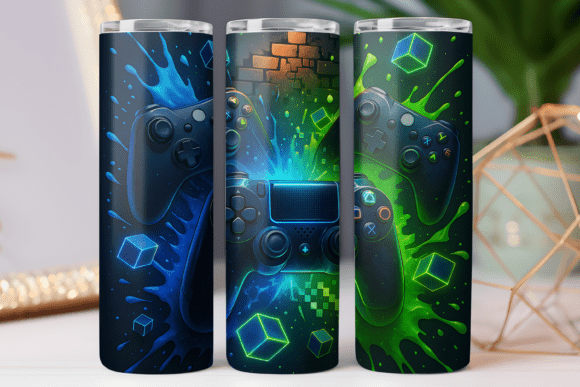
A gaming tumbler wrap is a digital design created specifically to cover the entire outer surface of a tumbler. Unlike generic patterns, gaming-themed wraps often feature pixel art, controller motifs, joystick icons, retro console aesthetics, or esports-inspired typography. These designs are typically sold as PNG files for sublimation printing, meaning they are meant to be transferred onto a polyester-coated tumbler using heat and pressure.
The design is not a physical sticker or vinyl decal—it is a digital image that you print onto sublimation paper and then press onto the tumbler. This process allows the ink to bond permanently with the coating, resulting in a durable, scratch-resistant finish that won’t peel or fade over time.
Why Choose a Gaming Theme?
Gaming culture is more mainstream than ever. From casual mobile gamers to competitive esports teams, people love to showcase their passion. A custom tumbler with a gaming wrap becomes a conversation starter, a personalized accessory, or even a unique gift for friends who spend hours grinding in their favorite virtual worlds. The aesthetic is bold, colorful, and immediately recognizable, making it a popular choice for both personal use and resale on platforms like Etsy or Amazon Handmade.
The Appeal of the 20oz Skinny Tumbler
The 20oz skinny tumbler has become the standard for custom drinkware projects. Its sleek, tapered shape fits most car cup holders and is comfortable to hold. But from a crafting perspective, the skinny tumbler offers a nearly seamless canvas for full-wrap designs. Because the surface is relatively flat compared to wider tumblers, the wrap aligns more easily and requires less stretching during application.
Most skinny tumblers have a straight section at the bottom and a slight taper toward the top. This is why digital designers provide two versions of their wrap: one for straight-sided tumblers and one for tapered sides. When you purchase a gaming tumbler wrap design, you’ll almost always receive both options to ensure compatibility with your specific tumbler model.
Understanding the File: PNG for Sublimation vs. SVG for Cutting
A common point of confusion among beginners is the difference between PNG and SVG files. Let’s clarify this upfront: a PNG file is a raster image made up of pixels. It is ideal for sublimation printing because the printer sprays tiny droplets of ink onto paper, reproducing the colors and details of the pixel-based image. An SVG file, on the other hand, is a vector graphic made of mathematical paths and is used for cutting machines like Cricut or Silhouette to cut vinyl or paper.
Important note: The gaming tumbler wrap PNG file is intended only for sublimation. You cannot upload it to a cutting machine to cut out shapes. If you attempt to use it as an SVG, you will not get a usable cut path. Always check the product description—if it says “sublimation digital download PNG,” it is not designed for vinyl cutting or layering with adhesive vinyl.
What’s Inside the ZIP File?
When you download a gaming tumbler wrap design, you typically receive a compressed ZIP folder containing two PNG files:
- Straight PNG 20oz Tumbler: For tumblers with a uniform diameter from top to bottom.
- Tapered PNG 20oz Tumbler: For tumblers that are slightly wider at the top and narrower at the bottom.
Both files are sized at approximately 9.3 inches wide by 8.2 inches tall. This dimension is specifically calculated to wrap fully around the tumbler with a small overlap, so no gaps remain after pressing.
How to Extract and Use the Files
Because the files are compressed, you need to extract them before use. On a Windows computer, you can right-click the ZIP file and select “Extract All.” On a Mac, simply double-click the ZIP folder, and the files will decompress automatically. If you encounter issues, free tools like WinRAR or 7-Zip will also work.
- Download the ZIP file to your computer.
- Extract the contents into a dedicated folder.
- Open the PNG file in your design software (such as Photoshop, Canva, or Affinity Designer).
- Print onto sublimation paper using an inkjet printer equipped with sublimation ink.
- Tape the printed paper onto your 20oz skinny tumbler, ensuring the design is aligned and smooth.
- Apply heat using a heat press or convection oven at the recommended temperature and time for your sublimation paper brand.
Sizing and Precision: 9.3 x 8.2 Inches Explained
The dimensions 9.3 x 8.2 inches are not arbitrary. They are calculated based on the circumference of a standard 20oz skinny tumbler and the height of the printable area. The width of 9.3 inches allows the wrap to overlap slightly at the seam, ensuring complete coverage even if your taping is slightly off. The height of 8.2 inches covers the full body of the tumbler while leaving a small margin at the top and bottom for the rim and base.
When printing, ensure your printer settings are set to “actual size” or “100% scale.” Do not select “fit to page” because that will shrink the design and cause gaps. Always preview the print before sending it to the printer.
Sublimation Tips for a Flawless Finish
Sublimation is a science. Here are practical tips to help you achieve professional results:
- Use a polyester-coated tumbler. Sublimation ink bonds only with polyester or polymer coatings. Stainless steel tumblers must have a special coating to accept the ink.
- Mirror the image before printing. Sublimation transfers are mirrored. If your design includes text, flip it horizontally in your software so it reads correctly after pressing.
- Use heat-resistant tape. Regular tape can melt or leave residue. Use tape rated for high temperatures (260°C / 500°F).
- Even pressure is key. If using a heat press, wrap the tumbler in butcher paper and use a silicone mat or wrap around the press to distribute pressure evenly.
- Test your time and temperature. Start with 400°F for 60 seconds, but adjust based on your specific paper and ink. Always test on a scrap tumbler first.
- Peel while warm. Once the timer goes off, peel the paper immediately while the tumbler is still warm for the most vibrant colors.
Creative Uses Beyond the Tumbler
While the design is optimized for a 20oz skinny tumbler, you can repurpose the PNG file for other sublimation blanks. Consider using the same artwork on:
- Canvas or fabric tote bags – perfect for gaming conventions or trade shows.
- Mouse pads – create a matching desk setup for streamers.
- Phone cases – if you have a flat press accessory.
- Ceramic mugs – though you may need to resize the image.
Because the file is high-resolution and sized precisely, scaling down works well. Scaling up may cause pixelation, so test before committing to a larger blank.
Common Misunderstandings About Digital Tumbler Wraps
Even experienced crafters sometimes fall into these traps. Let’s clear them up:
Myth: “PNG files are low quality.”
Not all PNGs are created equal. A professionally designed gaming tumbler wrap PNG is exported at 300 DPI (dots per inch), which yields crisp, detailed prints. Avoid low-resolution images meant for web use (72 DPI). Always check the file specifications before purchasing.
Myth: “I can cut this on my Cricut.”
Unless the file is an SVG or DXF vector, you cannot cut it. PNG is a raster format. If you try to upload it to Cricut Design Space as a cut image, you will only get a print-and-cut option—and that requires printing first. For sublimation, you don’t need to cut at all; you print the entire design and transfer it as one piece.
Myth: “One size fits all tumblers.”
Even within the “20oz skinny” category, tumblers vary slightly between brands. Some have a more pronounced taper, others are nearly straight. That’s why reliable designers include both straight and tapered PNG files. Measure your tumbler’s circumference and height before pressing to confirm the fit.
Why This Design Trend Matters in Modern Crafting
Gaming tumbler wraps are part of a larger movement toward personalized, niche creations. In an era where mass-produced items dominate store shelves, handmade and customized products offer individuality. Sublimation printing empowers small business owners, hobbyists, and creators to produce one-of-a-kind items at scale. The gaming community, in particular, values self-expression through branded merchandise, and a custom tumbler wrap is an affordable entry point into that market.
Whether you’re crafting for yourself, gifting to a friend, or building an inventory for a shop, understanding the technical side of tumbler wrap design ensures your final product looks polished and professional. The combination of vibrant artwork, precise sizing, and proper sublimation technique results in a durable item that will be used daily—and admired.
Final Thoughts
A gaming tumbler wrap for 20oz skinny tumblers is more than just a digital file—it’s a gateway into the world of sublimation crafting. By choosing a high-quality PNG design sized at 9.3 x 8.2 inches, you eliminate guesswork and set yourself up for success. Remember to use the correct file for straight or tapered tumblers, extract your ZIP folder before printing, and always prioritize proper heat and pressure during transfer.
Whether you’re a gamer looking to customize your own gear or a seller aiming to attract the gaming audience, this niche offers endless possibilities. With the right tools, a bit of practice, and attention to detail, you can create stunning, professional-grade tumblers that any player would be proud to carry.
So go ahead—download that design, fire up your sublimation printer, and bring your favorite gaming aesthetic to life. The perfect wrap is just a press away.